Japan eSIM vs Pocket WiFi: Which Should You Choose?
Some links on this page are affiliate links. If you book or buy through them we may earn a commission at no extra cost to you. We only recommend things we would use ourselves.
If your phone supports eSIM and is unlocked, an eSIM is usually the simplest choice for one traveller. A rented pocket WiFi router makes more sense when your phone cannot use an eSIM, or when several people or devices share one connection.
We keep this guide free of plan prices and speed claims on purpose. Plans, prices and networks change often, and the only reliable figures are on each provider's own page. What we can do is help you choose the right type, and give you the official facts that matter for that choice.
How each option works
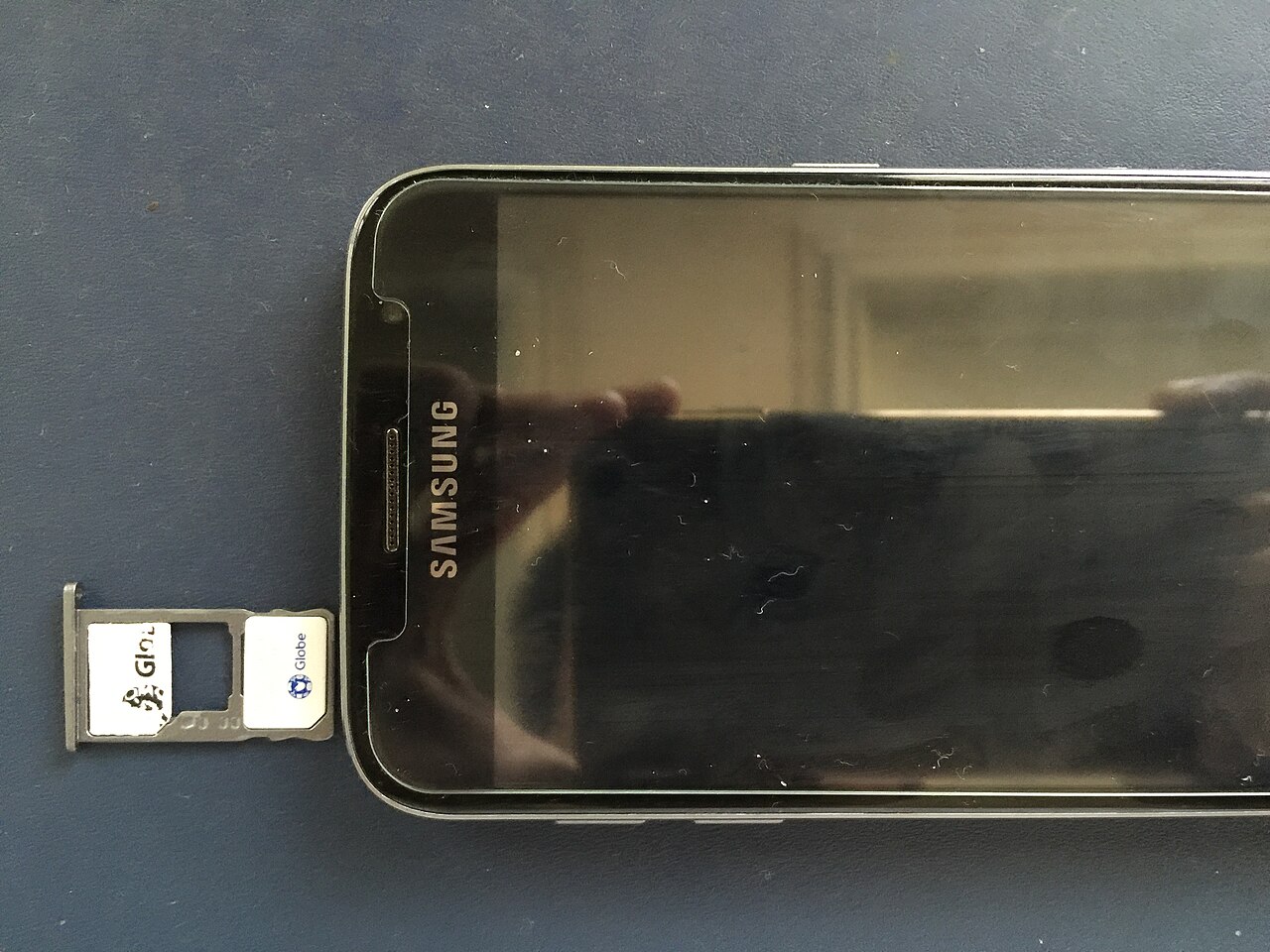
An eSIM is a digital SIM profile that you install on your phone, normally by scanning a QR code or following a link from the provider. There is no physical card to swap, so your normal SIM can stay in the phone for calls and messages. You buy a plan, install it, and switch on mobile data for that line when you land.
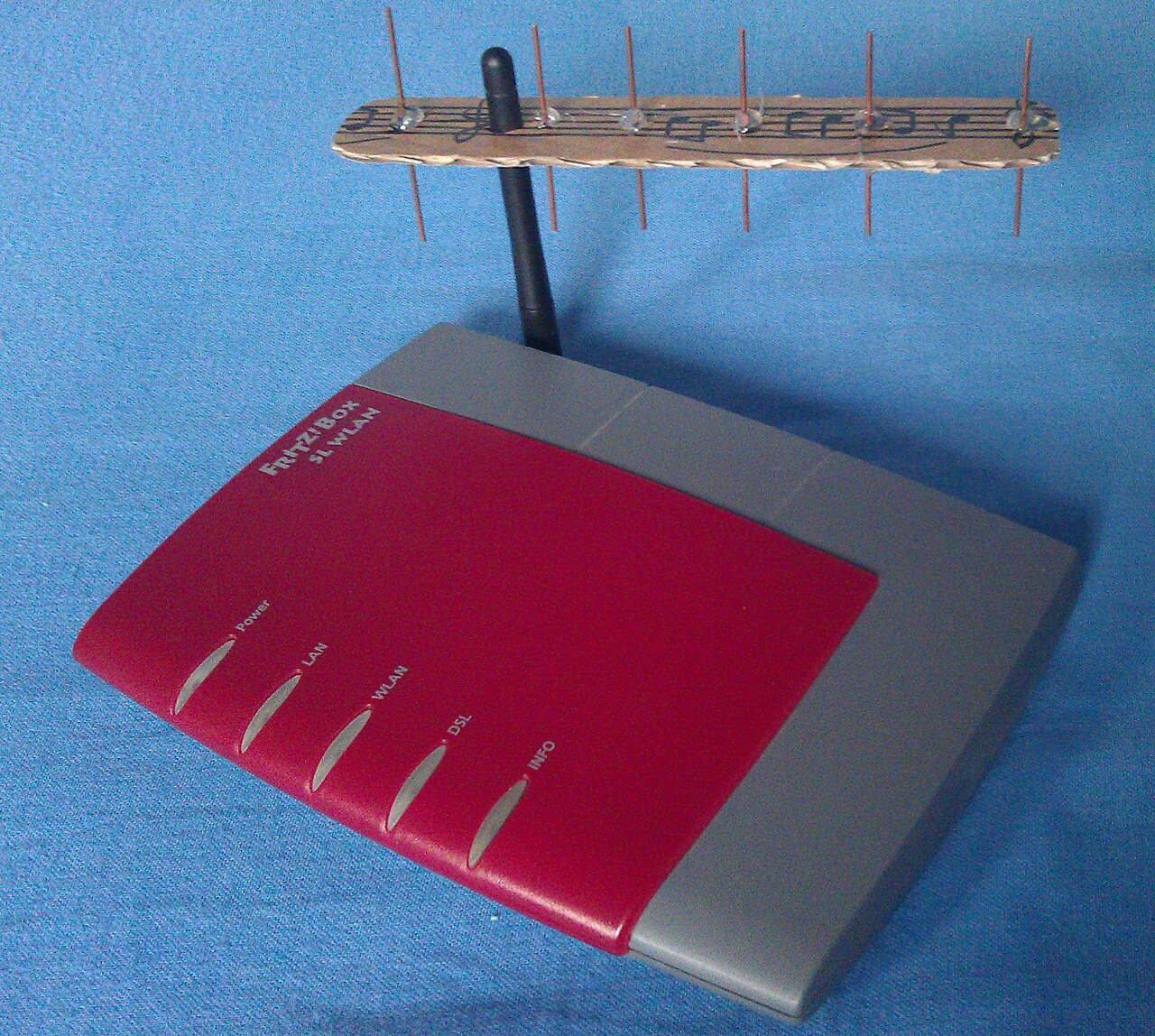
A pocket WiFi is a small router that you rent. The Japan National Tourism Organization describes the choices as rental kiosks at major airports and delivery to your hotel[1]. You connect your phone and other devices to the router's WiFi network, charge the router yourself, and return it before you leave.
When an eSIM is the better choice
- You travel alone or as a couple with eSIM phones. Each person installs their own plan.
- You want to land and go. Install the plan before you fly, while you have reliable WiFi at home.
- You want to keep your home number. Your normal SIM stays active for calls and text codes from your bank.
- You do not want extra gear. There is nothing to charge or return.
Your phone must support eSIM. For iPhone, Apple states the requirement as iPhone XS, XS Max, XR or later[2]. For other phones, read the maker's own compatibility page. The phone must also be unlocked by its carrier, which only your carrier can confirm.
You can compare providers through our recommended Japan eSIM options. We do not quote prices here because they change; use the provider page for the figure.
When pocket WiFi is the better choice
- Your phone does not support eSIM, or is carrier-locked. A router works with any device that has WiFi.
- A group shares one connection. One router can serve several people, but check the device limit on the provider's page.
- You need a laptop or tablet online. A router is friendlier to laptops than tethering from a phone.
- You prefer a physical hand-over. Airport pickup or hotel delivery, as described by the tourism organisation, can be easier for some travellers.
See pocket WiFi rental options and compare the terms yourself, including the pickup method that suits your arrival and departure plans.
A short comparison
| eSIM | Pocket WiFi | |
|---|---|---|
| Setup | Install on your phone before you fly | Collect or receive a device, then return it |
| Phone requirement | eSIM-capable, carrier-unlocked | Any WiFi device |
| Extra to carry | Nothing | One router and its charger |
| Sharing with others | Depends on the plan; check its terms | Designed for several devices |
| Main risk | Unsupported or locked phone | Return deadline and fees |
Mistakes to avoid
- Waiting until the airport to buy. Set up the eSIM at home on reliable WiFi.
- Mixing up the lines. After installing, switch your phone's mobile data to the Japan line and check your roaming settings so your home carrier does not bill you.
- Choosing by price alone. Check data limits, speed after the limit, and how many days the plan lasts.
- Not checking compatibility. A locked or unsupported phone cannot use an eSIM.
- Ignoring the return terms of a router. Late fees and loss charges are set by the rental company.
Staying connected is one part of the plan
If you are using a phone for tickets and navigation, our IC card guide explains the transit card options, including the iPhone route. Our 7-day itinerary shows how connectivity fits into a full trip, and our hotel area guide covers where to base yourself.
FAQ
Is eSIM better than pocket WiFi in Japan?
For one traveller with a compatible, unlocked phone, an eSIM is usually simpler. Pocket WiFi suits groups and phones that cannot use an eSIM.
Can I use an eSIM and keep my home number?
In general the eSIM is a second line, so your normal SIM can stay in the phone. Confirm this for your handset with the maker and your carrier.
How early should I install my eSIM?
Install it at home on reliable WiFi before you fly, and read the provider's activation steps.
Do I need an unlocked phone?
Yes. A phone locked to its carrier generally cannot use another provider's eSIM, so ask your carrier.
Is unlimited data truly unlimited?
Providers set their own fair-use rules. Read the plan's terms for any limit and what happens after it.
Sources
- Pocket Wi-Fi rental options: Japan National Tourism Organization: Wi-Fi in Japan
- iPhone models that support eSIM: Apple Support: Set up eSIM on iPhone